Specify one device that talks to everything on site.
OmniQu reads the controllers already in the building, from any brand, over open protocols. Control stays local, the connection is outbound only, and there's no lock-in.
Management
Encrypted · outbound only
↑ No inbound ports
Automation
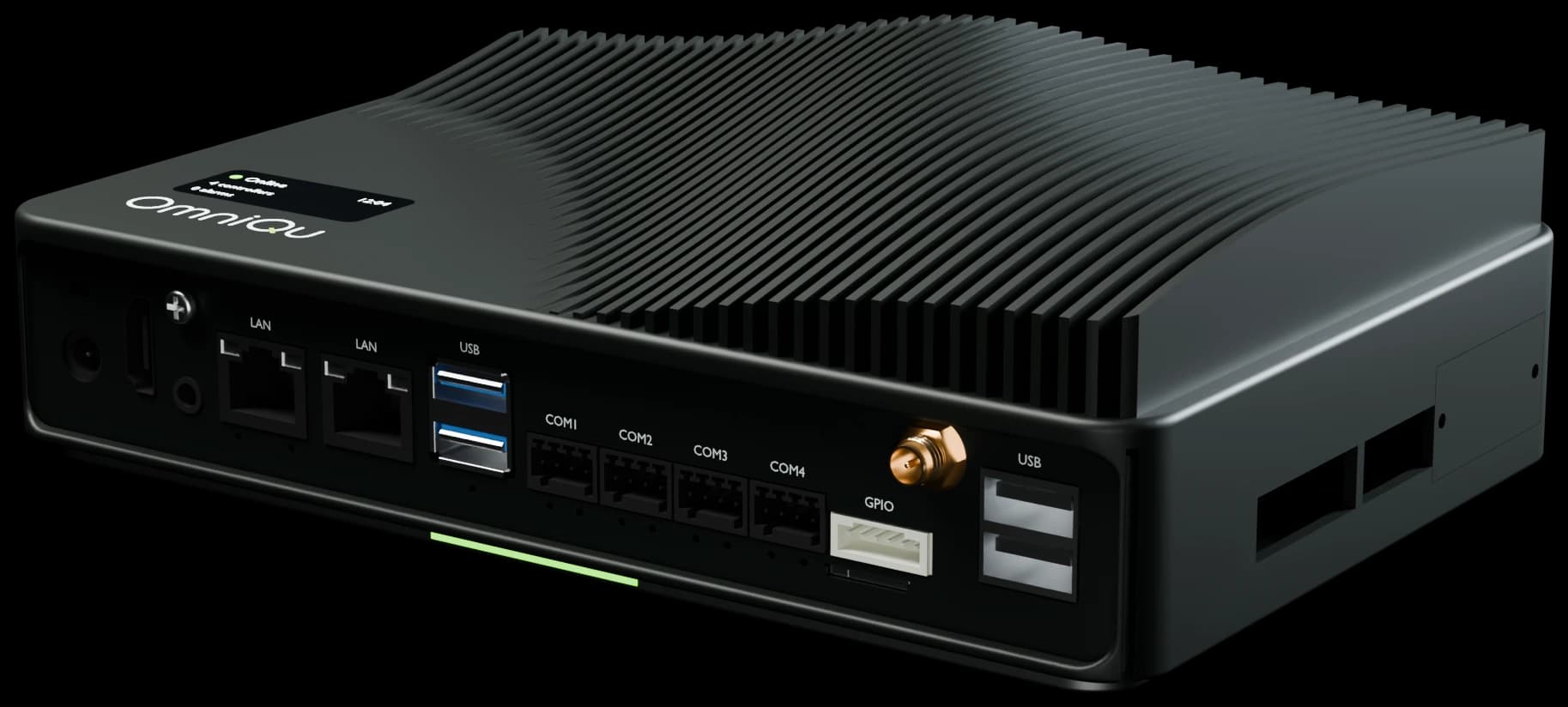
OmniQu Edge
Control and schedules run on site
4 protocols live · 4 on the roadmap
Field
- Air handling unit21.4 °CEnergy meter12.8 kW
Modbus TCP · RTU
- Heat pump45.2 °CBoiler62 °C
BACnet/IP · MS/TP
- LightingBlinds
KNX· Roadmap
- Process PLCCompressors
OPC UA· Roadmap
- Water metersGas meters
M-Bus· Roadmap
- Wireless sensorsWireless CO₂
LoRaWAN· Roadmap
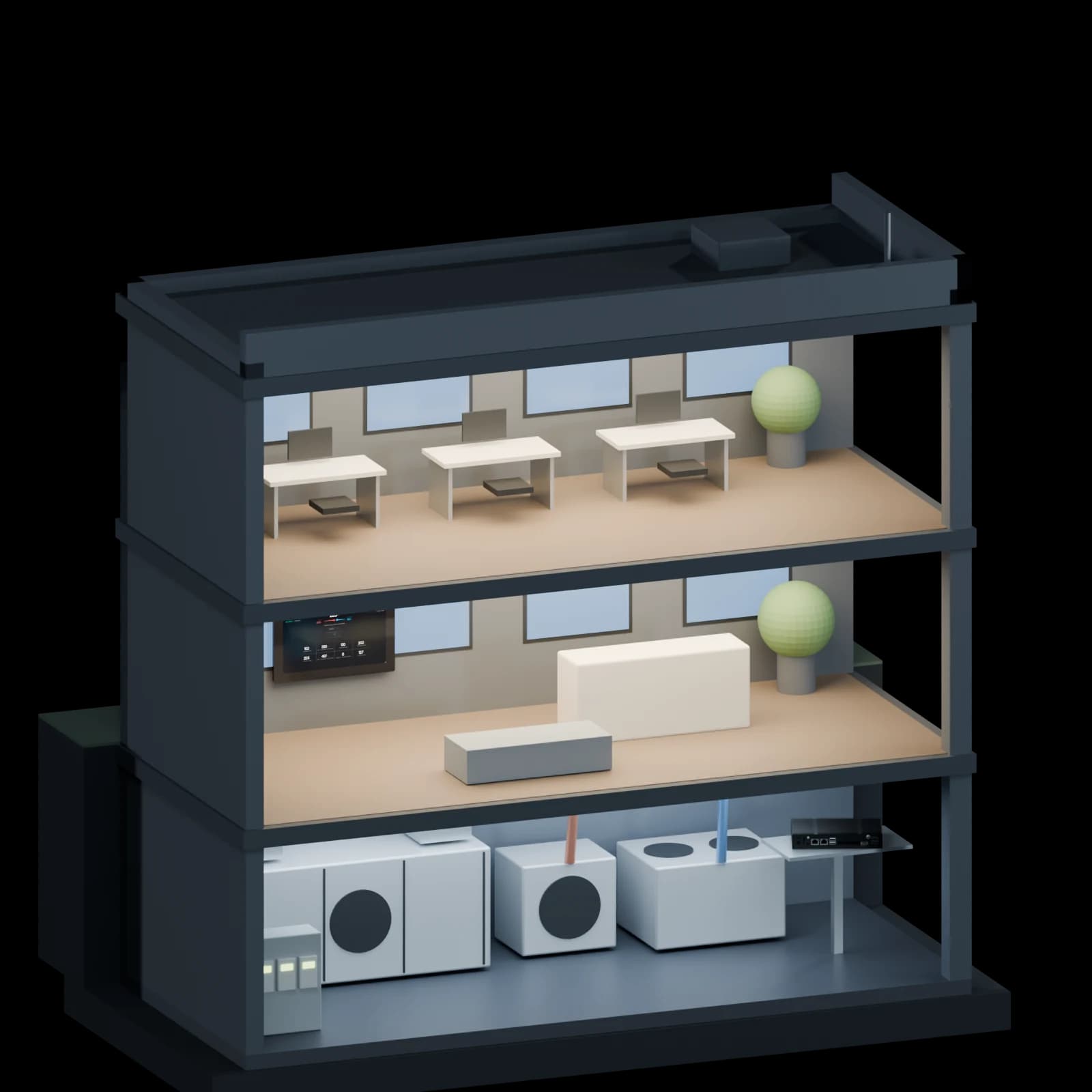
Example site
“I have to specify building automation, without locking my client in.”
It runs in the building. The cloud is extra.
Open, documented, and safe to write to.
Clauses you can paste into your specification. Plain, testable, and true of OmniQu today.
Request the full specificationThe full specification text and datasheets are sent on request while the download library is being prepared.
- 1.1
Integration
The gateway shall communicate with the existing field controllers of any manufacturer over open protocols, including Modbus TCP and BACnet/IP over Ethernet and Modbus RTU and BACnet MS/TP over RS‑485, without replacing them. Existing controllers shall keep their own control logic.
- 1.2
Network and security
The gateway shall open outbound, encrypted connections only. No inbound ports shall be opened on the site network. Control, schedules and limits shall continue to operate on site without an internet connection.
- 1.3
Write permissions
All data points shall be read-only by default. Write access shall be granted per point by the building owner, within defined limits, and every remote change shall be logged.
- 1.4
Monitoring, alarms and control
The system shall provide continuous monitoring, alarms and control of the connected technical building systems, to support the building automation and control requirements of the EPBD.
- 1.5
Data ownership
All site data shall remain the property of the building owner, who shall decide which users and service partners have access.
Will it work with your controllers?
Our controllers speak , we the register maps or object lists, and the equipment is .
Fill in the three blanks to see the answer. (0/3)
A first indication only. We confirm compatibility in a 30-minute review.
From specification to commissioning.
- 1
Check the controllers
Fill in the quick check above, or send us the controller list for the project.
- You bring
- The controller list or the plant schedule
- 2
Specification text and datasheets
We send the clauses, datasheets and network requirements for your project.
- You get
- Text ready for the tender
- 3
Commissioning on site
Your installer commissions OmniQu, with our team on hand for the first site.
- You get
- A commissioning log for the handover
- 4
Handover
The owner gets the panel, the app and the data, with the commissioning log as the record.
Good to know
- Which operations are supported depends on the controller model; the compatibility page lists what is field-tested.
Let's look at your project.
The plant, the controllers and the requirement you have to meet. In 30 minutes you'll know what OmniQu covers and what goes into your specification.
What happens next
- 1You send this form
- 2We reply and agree a time that suits you
- 3In 30 minutes: your plant, your controllers, and the clauses for your specification
Prefer to talk first?
Call, message or e-mail us. The engineers who build and install OmniQu answer.
We reply in writing in your language. Calls in English, Slovenian, Croatian or Serbian.
80+ systems connected in 30+ buildings
Scan to save our contact
Download the card