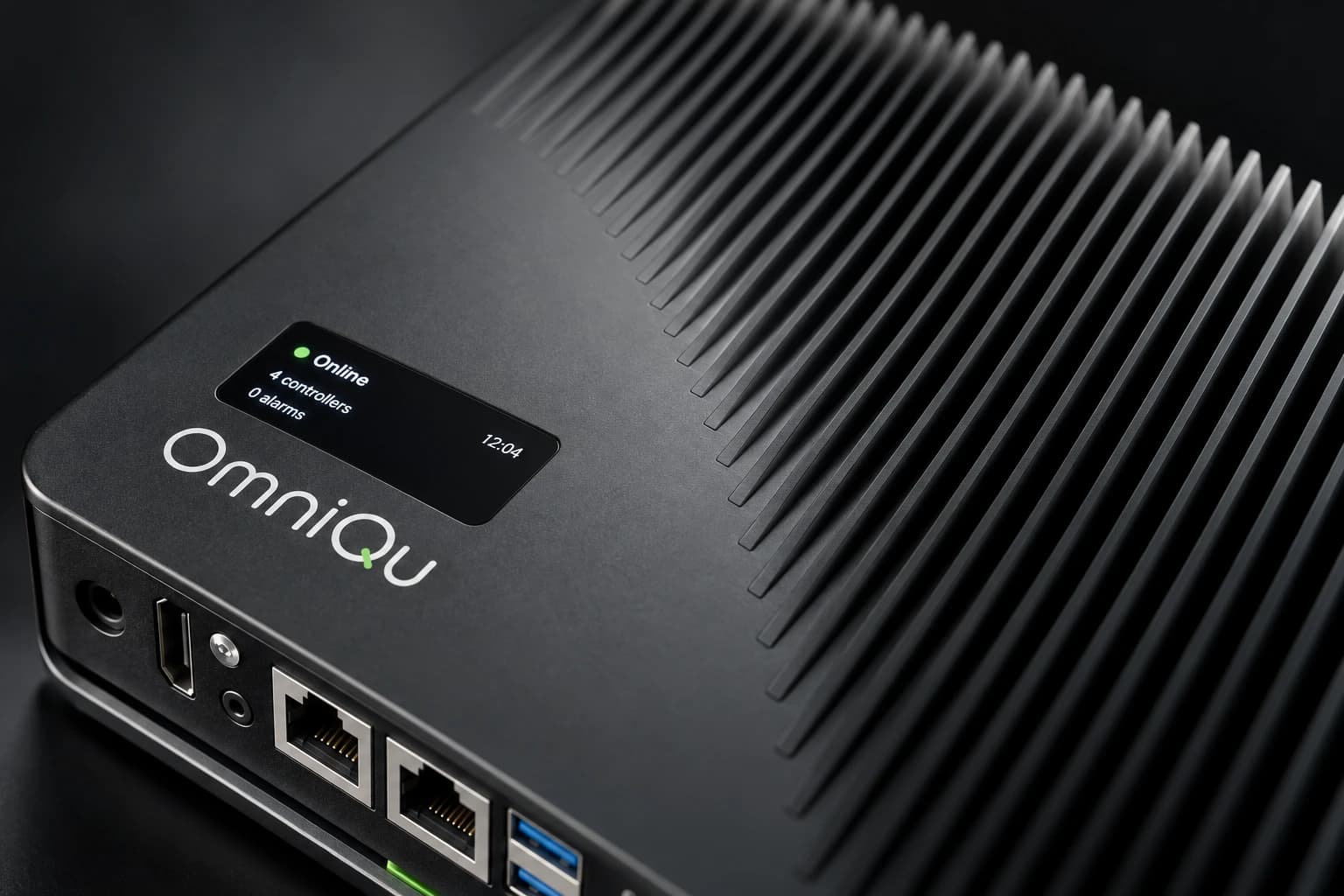
The OmniQu family.
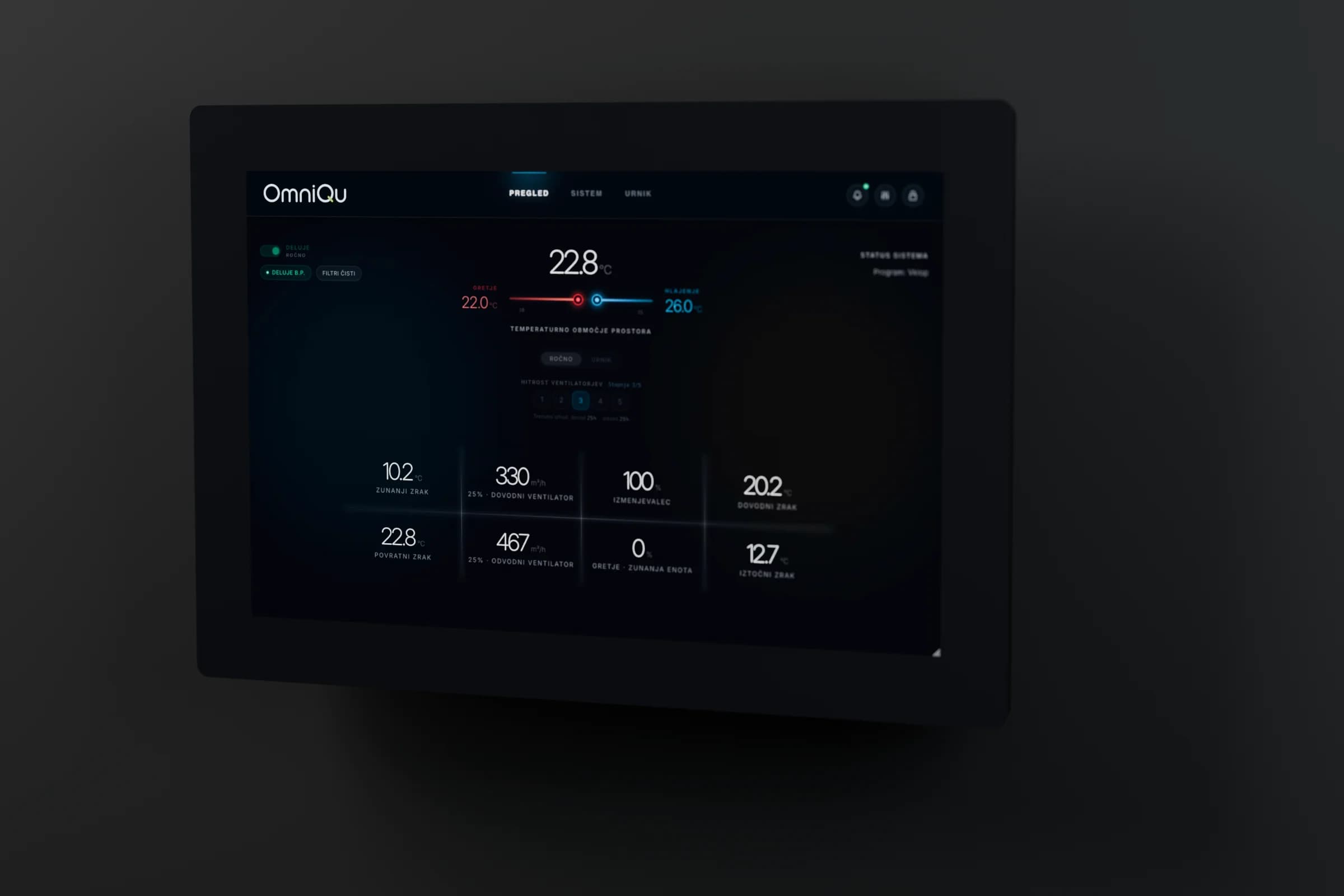
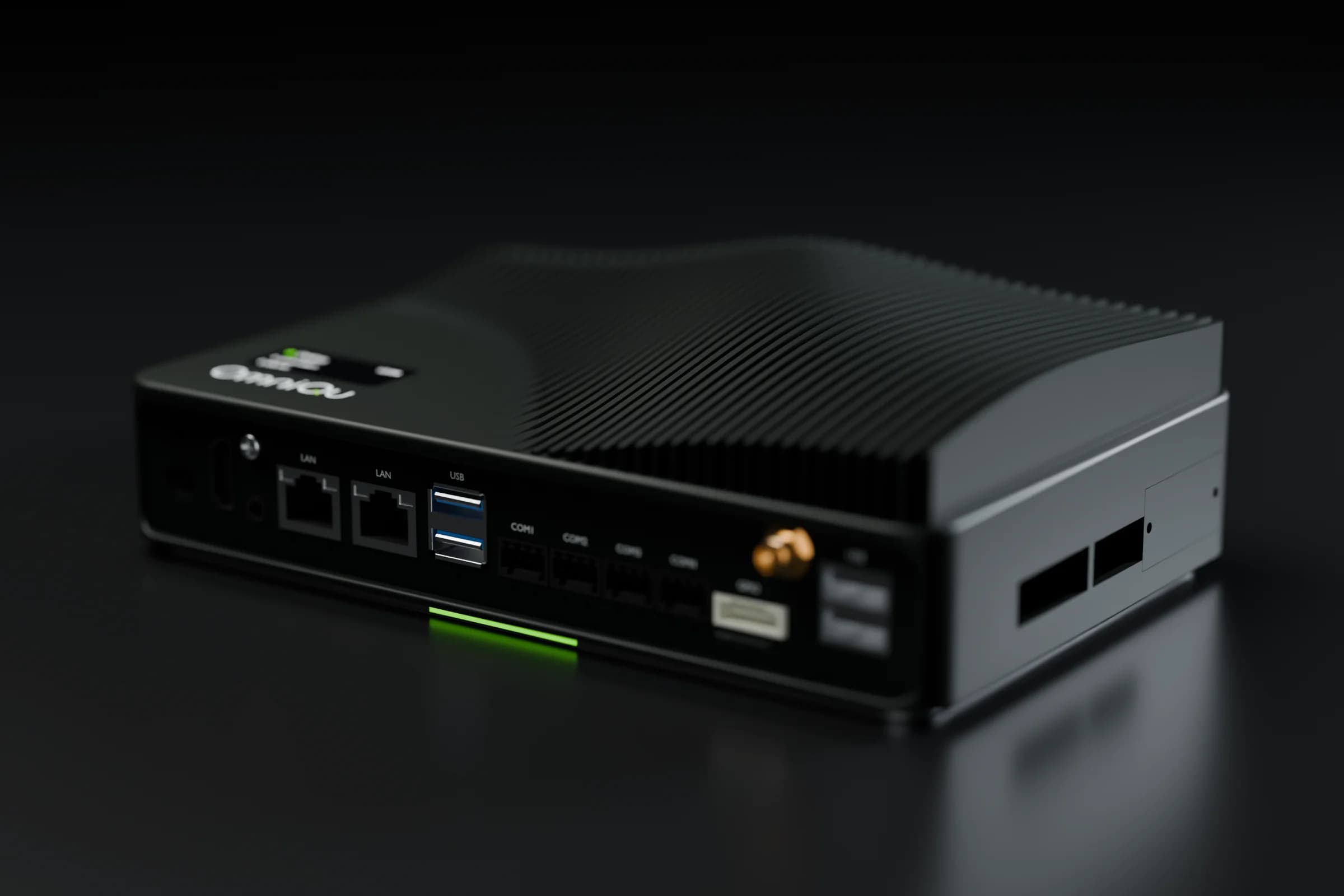
The Panel and the Edge sit on site and connect to the controllers you already have. OmniCloud, the app and Studio bring every building to you, wherever you are. Here is each part, and what is live today.
Open any of them for the details.
When the internet drops, the building keeps running.
Plant control stays on your controller and the wall panel keeps working on site. Remote views show the site as unreachable instead of pretending to be live.
On site
Remote
- OmniCloudFleet view and alarmsLive
- OmniQu appValues and permitted changesLive
- Service partnerTheir view of your siteLive
- Keeps runningPlant control on your controller
- Keeps runningWall panel on site
- LivePhone app: values and permitted changes
- LivePartner fleet view and alarms
Behaviour shown for the current OmniQu Edge and wall panel.
What do you want to connect?
Your units or your buildings. In 30 minutes you'll know what OmniQu connects and what your quote will cover.
What happens next
- 1You send this form
- 2We reply and agree a time that suits you
- 3In 30 minutes: what OmniQu connects, and what your quote will cover
Prefer to talk first?
Call, message or e-mail us. The engineers who build and install OmniQu answer.
We reply in writing in your language. Calls in English, Slovenian, Croatian or Serbian.
80+ systems connected in 30+ buildings
Scan to save our contact
Download the card