How it works
Follow one building from the controller to your phone.
Pick a building and follow it through OmniQu: what we connect, what you see, what you can change and what happens when the internet drops.
Step 1 / 8
Which building do you run?
Pick one to zoom in and see what OmniQu connects there, who gets what, and a day with it.
Also possible
Step 2 / 8
We connect to what you already have.
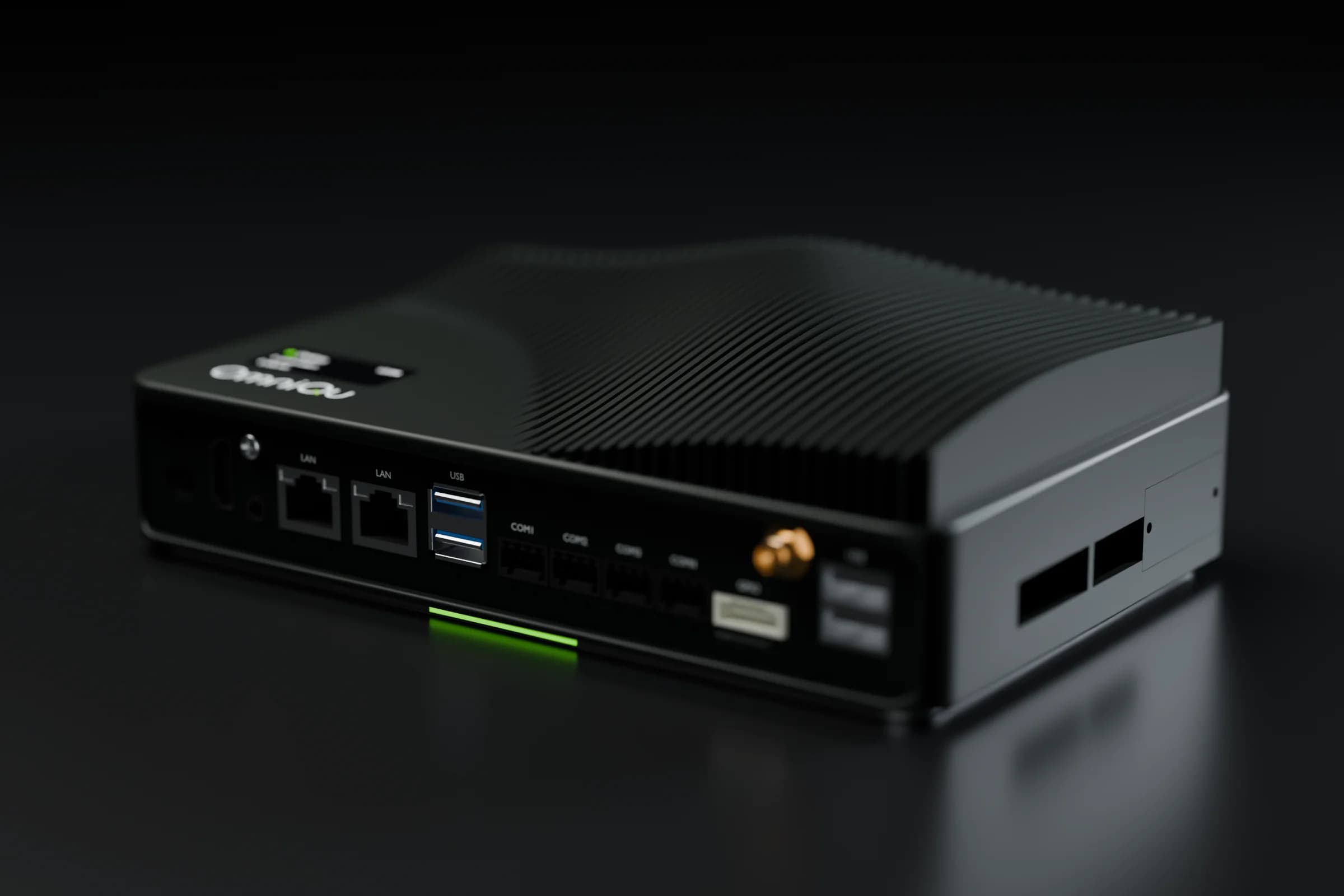
An OmniQu Edge goes next to your existing controller and reads it over Modbus or BACnet, on Ethernet or RS‑485. No new plant, nothing ripped out.
Step 3 / 8
See it on the wall and in your pocket.
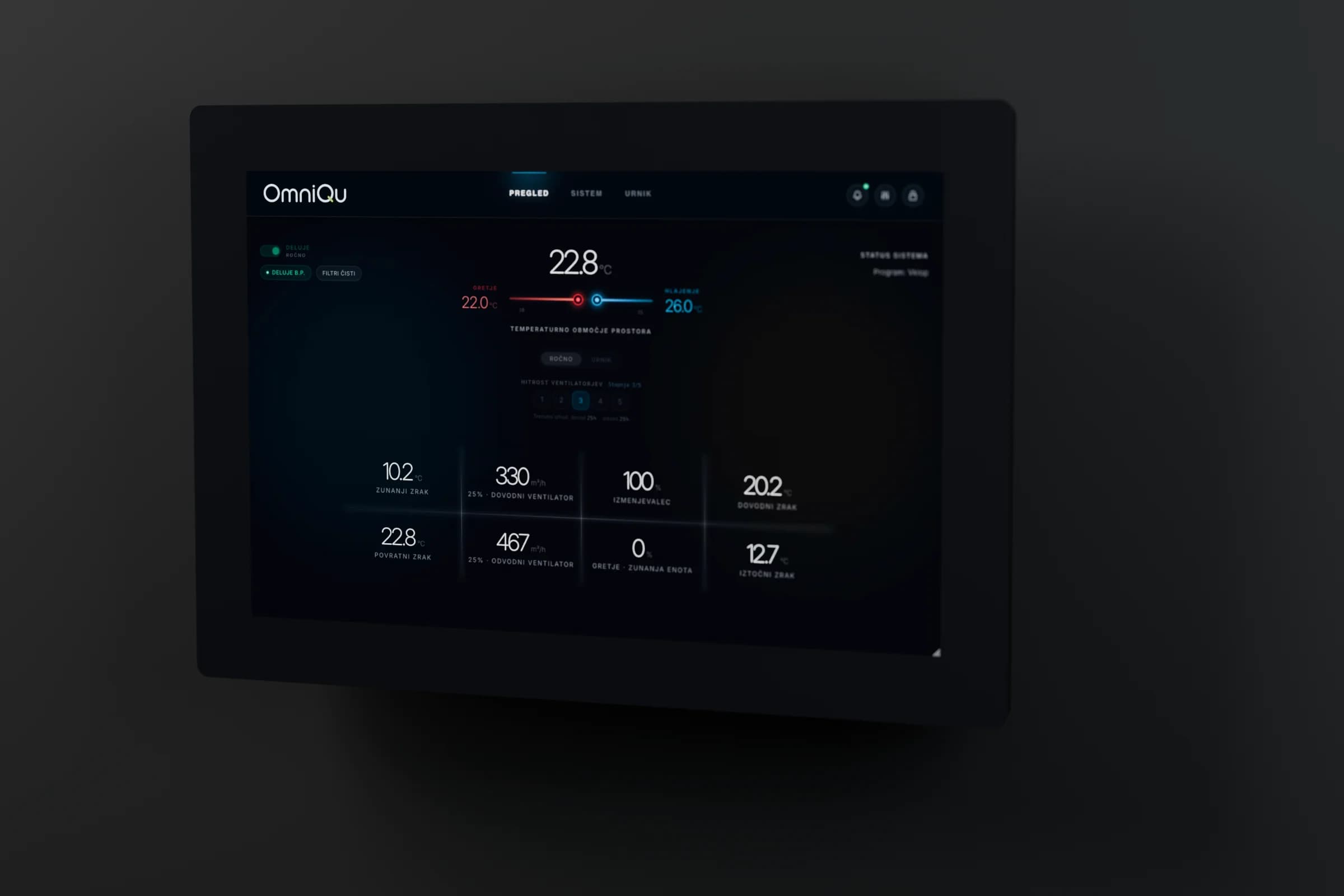
The panel on the wall shows the live system to everyone on site. The app shows your values on your phone, with the age of every value.
Step 4 / 8
Change it, within limits.
Your installer sets what can be changed and how far. Every change shows whether the controller accepted and executed it, and is recorded.
Step 5 / 8
Internet drops. Nothing stops.
Control stays on the controller and the panel keeps working on site. Remote views show the site as unreachable instead of pretending to be live.
Step 6 / 8
Every site on one map.
Service teams and manufacturers see every site they look after on one map, live in OmniCloud or running locally.
Step 7 / 8
One platform, every building.
Each building connects out to OmniCloud over its own encrypted link, the same way in every country.
Step 8 / 8
Wherever your buildings are.
Europe, the Middle East or North America: an OmniQu Edge and an internet connection, and the plant is on OmniCloud.
Start with one building.
Every deployment follows the same five steps. Your existing controls stay in place, and control is only switched on after you approve it.
1
Review
A 30-minute call. Send us a photo of your controller and we check what can be connected.
2
Install
We install the OmniQu Edge next to your existing controls, and a wall panel on Control plans.
3
Commission
We define every signal. Your installer sets the permitted limits.
4
Monitor
Read-only first: live values, history and alarms on your phone, and on the wall panel where there is one.
5
Control
Permitted remote changes are switched on once you approve them.
Try it on one building for three months.
The Control plan on one of your buildings, with an engineer beside you the whole way. Then you decide.
Week 1
Install and commission
The Edge and a wall panel go in, and every signal is set up for your controller.
Weeks 2–11
A review call every week
With an engineer: what works for your site and controller, and what to change.
Week 12
You decide
Keep going on a plan, or stop. Either way, no surprises.
Continue
If you go ahead within 30 days, the pilot is credited against setup.
Stop
The hardware is yours to keep: it's paid for in the pilot fee.
What do you want to connect?
Your units or your buildings. In 30 minutes you'll know what OmniQu connects and what your quote will cover.
What happens next
- 1You send this form
- 2We reply and agree a time that suits you
- 3In 30 minutes: what OmniQu connects, and what your quote will cover
Prefer to talk first?
Call, message or e-mail us. The engineers who build and install OmniQu answer.
We reply in writing in your language. Calls in English, Slovenian, Croatian or Serbian.
80+ systems connected in 30+ buildings
Scan to save our contact
Download the card