How we keep your building safe.
Already running in government buildings and mission-critical public institutions.
No inbound ports, the building keeps running without the internet, only permitted changes, and every change logged. Below is the detail for IT, security and facility teams. Each control is marked with its real status, so you can see what runs today and what we are still building.
Your building network stays closed to the internet.
The OmniQu Edge connects out to a private, encrypted network. OmniCloud reaches the Edge only over that network. You don't open or forward any port on the building firewall. The private network reaches the Edge only, never the rest of your building network.
Building network
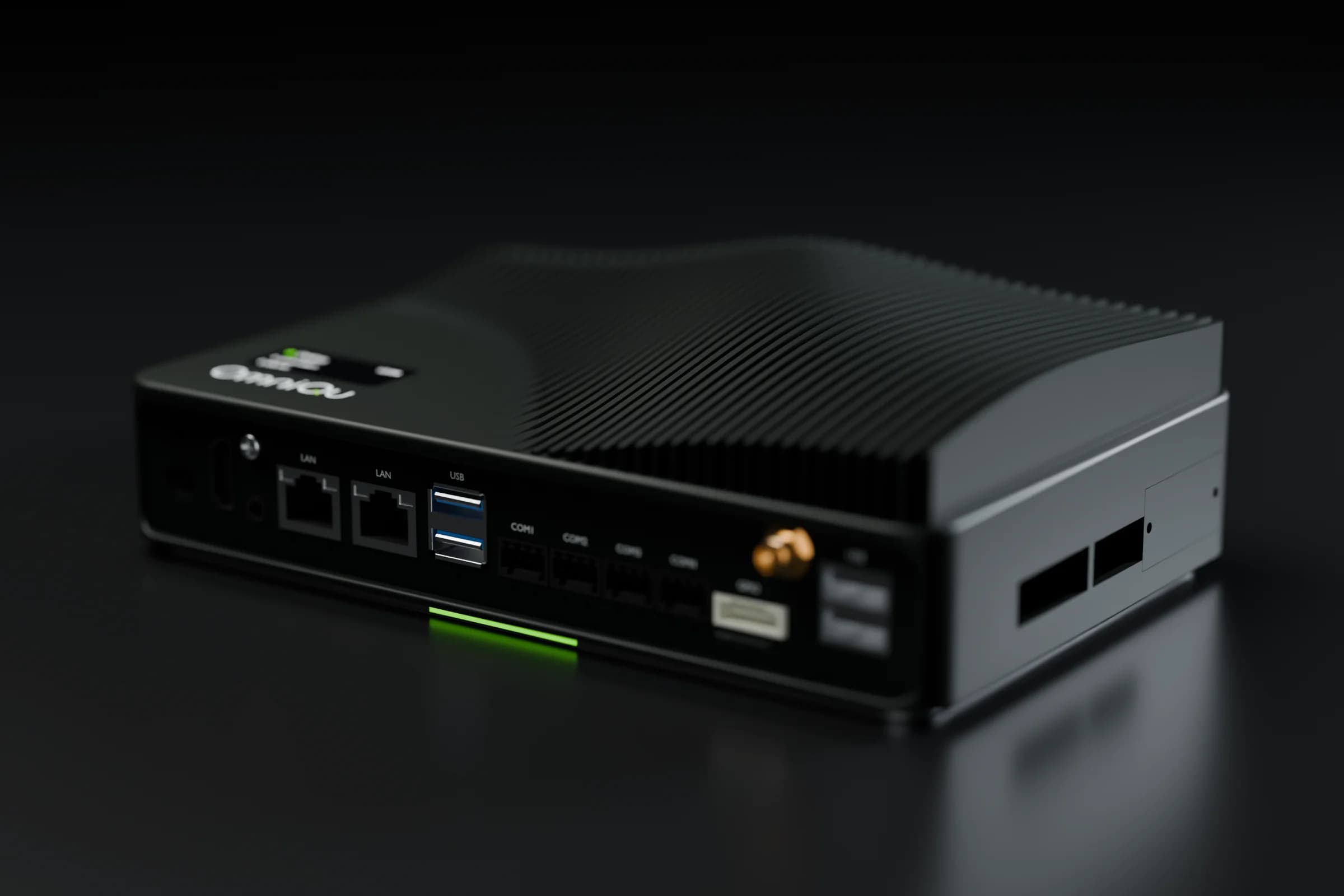
OmniQu Edge
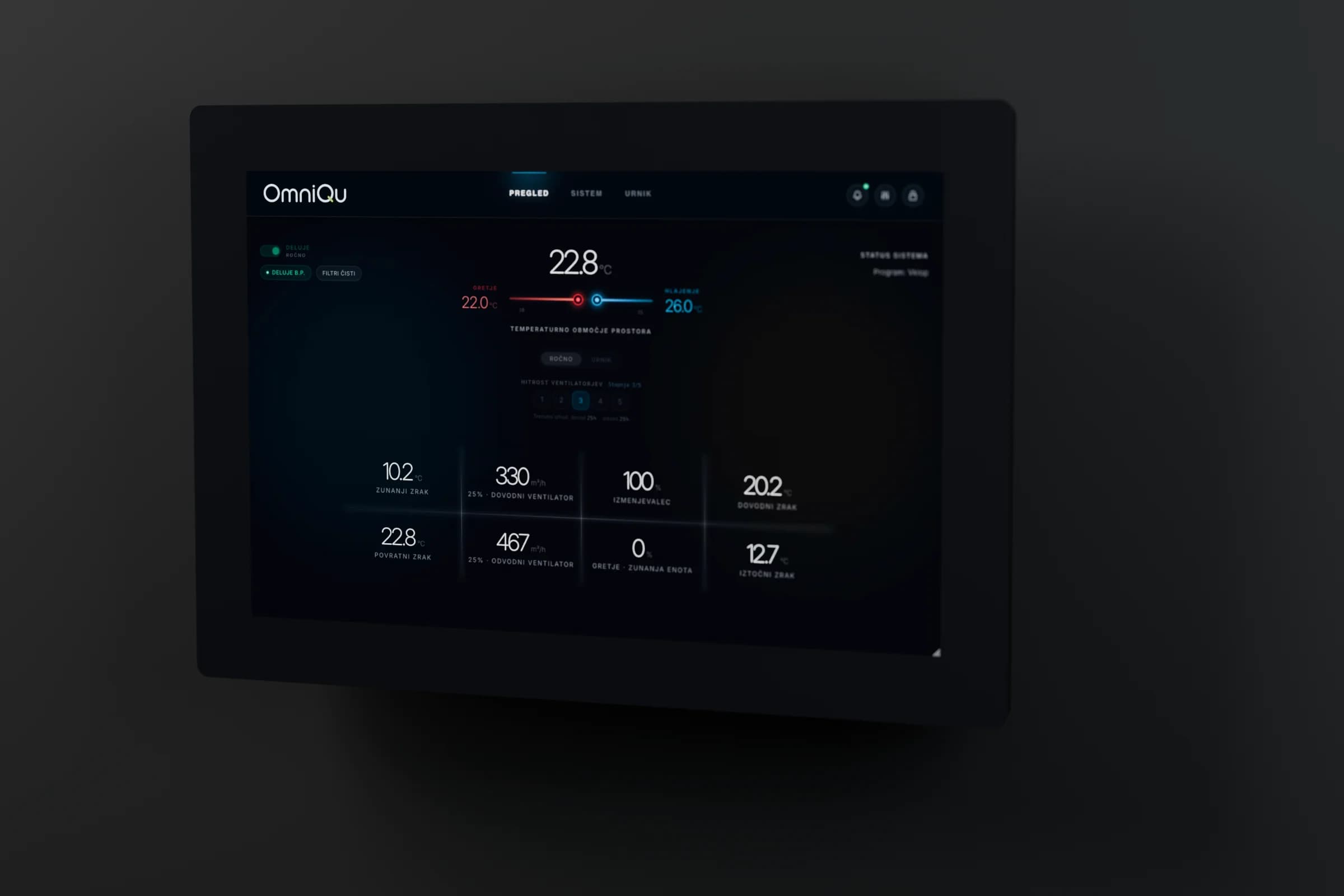
OmniQu Panel
Controller
your plant, any brand
OmniCloud
permissions · audit
OmniIdentity
passkey sign-in
People
Phone app
Fleet view
0 inbound ports
The Edge connects out. Only OmniCloud and our maintenance access can reach it, over the private network; nothing else on the internet can.
Runs without the internet
Control and schedules stay on site. Remote views show when the site is unreachable.
Every change logged
Only permitted values change, within agreed limits, and every change is recorded.
The on-site dashboard is reachable on the building's local network. OmniQu operations also use the private network for maintenance access.
Control by control.
Everything listed runs today, unless it's greyed out as next.
Sign-in
App sign-in is by invitation only and uses passkeys: Face ID, fingerprint or device PIN. There are no app passwords.
Sessions are short-lived and renewed with single-use tokens. If a token is reused, the whole session is revoked.
Account recovery uses one-time recovery codes and signs out every existing session. E-mail alone cannot recover an account.
Single sign-on from the app to each site's browser dashboard.Next
Permissions and ownership
The customer owns the site and its data. A service partner works only with access the customer grants, and every change made through OmniQu is audited.
A mandate alone doesn't show a partner your data. Access to live values is granted explicitly.
Partners can never see other partners' customers or change platform settings.
A mandate is revoked or transferred on your request, by our team.
Revoking or transferring a mandate yourself, in the app.Next
Removing a person blocks their access and revokes their app installations. A lost tablet can be revoked on its own.
Remote changes
People can only change values that were commissioned for that site, within the published minimum, maximum and step.
Every command shows its real outcome: accepted, executed with the value read back, rejected, or unknown. An unknown outcome is never retried automatically.
People, permissions, mandates and commands are recorded in an audit log.
Confirming each control action again with a passkey.On selected sites
Signed requests from the cloud to each site, bound to that site's identity.On selected sites
Fire-related equipment
For setpoint and schedule changes sent from the app, and for alarm acknowledgements from the fleet view, OmniCloud refuses any target linked to fire safety, and any target that hasn't been classified.
The same fire-safety block on the site's own browser dashboard.Next
OmniQu is not a fire alarm system and does not replace one.
When the internet drops
Your controller keeps running its own logic and the OmniQu Edge keeps local schedules. The wall panel keeps working on site.
Remote views, history, alarm e-mails and remote changes are unavailable until the connection returns.
Showing the last known values in the app, clearly marked with their age, during an outage.Next
Data
We store point values and history, alarms, the command log, the names and e-mail addresses of people with access, app installations, and audit events including IP addresses.
Reading PDF manuals or photos during commissioning uses an external AI provider and only runs with your consent. Spreadsheets are processed without AI.
Encrypted off-site backups with a tested restore.Next
A defined retention period and a self-service export of your data.Next
Updates
Cloud releases are reviewed and tagged, with a backup before database changes and a rollback point.
The Android app is installed from a signed package through a short-lived download link. iOS is awaiting App Store release.On selected sites
Signed, tamper-proof updates for the OmniQu Edge.Next
Questions we answer one to one.
Request a technical review- Where the platform is hosted and which subprocessors are involved
- Encryption of stored data
- Backup, restore and retention arrangements for your deployment
- How maintenance access to the Edge is controlled and logged
- Independent testing and certifications
- How to report a vulnerability
OmniQu doesn't replace a certified fire alarm system. Fire safety stays with its own certified installation.
What do you want to connect?
Your units or your buildings. In 30 minutes you'll know what OmniQu connects and what your quote will cover.
What happens next
- 1You send this form
- 2We reply and agree a time that suits you
- 3In 30 minutes: what OmniQu connects, and what your quote will cover
Prefer to talk first?
Call, message or e-mail us. The engineers who build and install OmniQu answer.
We reply in writing in your language. Calls in English, Slovenian, Croatian or Serbian.
80+ systems connected in 30+ buildings
Scan to save our contact
Download the card